
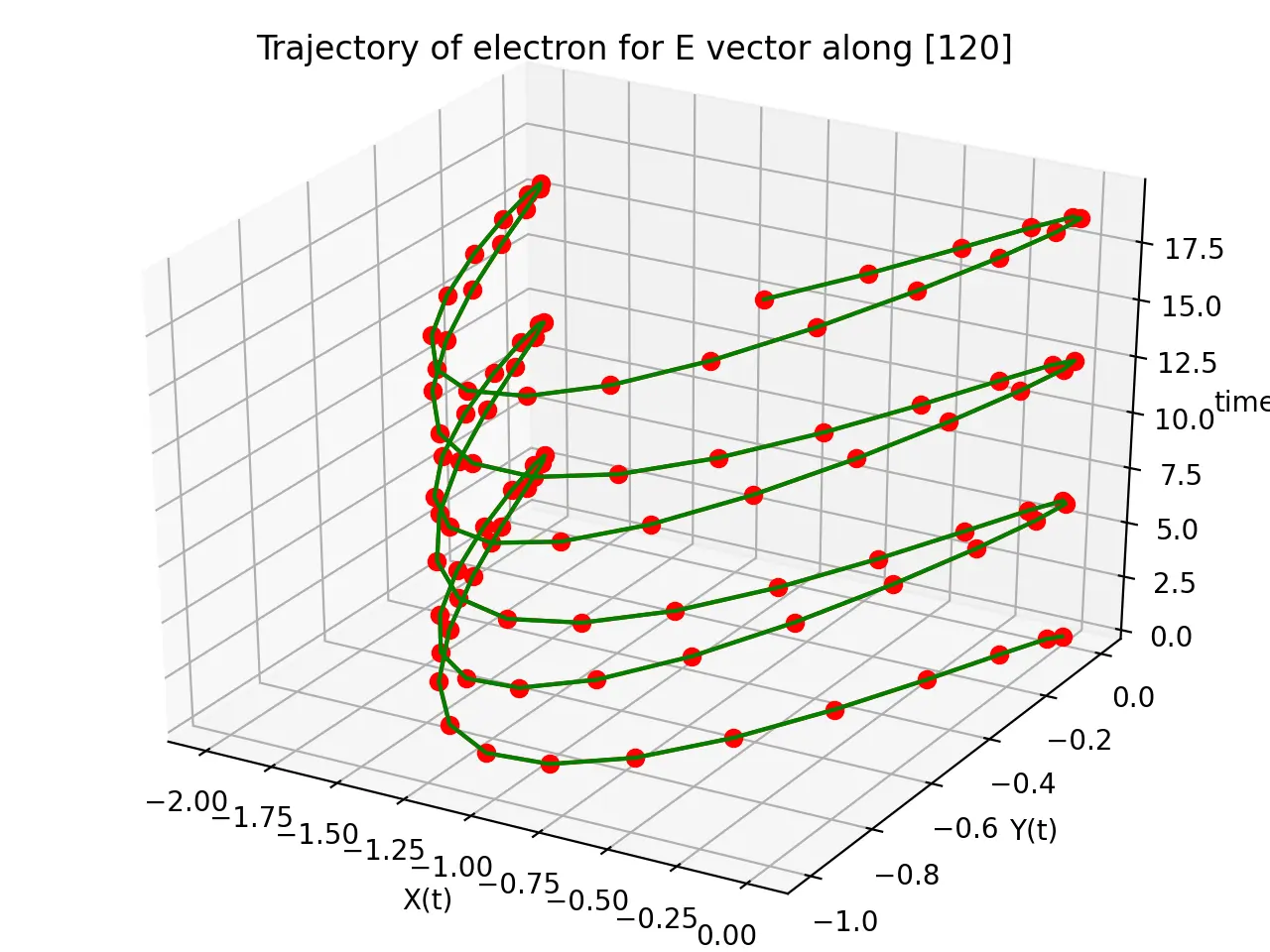
If you ever want to plot some trajectory of particles then a 3D plot can be particularly useful.
The following is a very simple example of code illustrating the procedure to plot a 3D line/scatter chart using Matplotlib and Python
CODE
from mpl_toolkits.mplot3d import Axes3D
import matplotlib.pyplot as plt
import numpy as np


fig = plt.figure()
# ax = fig.add_subplot(111, projection='3d')
ax = Axes3D(fig)

t = np.arange(0,20,0.2)
x = np.cos(t)-1
y = 1/2*(np.cos(2*t)-1)


# For scatter plot
# ax.scatter(x, y, t, c='r', marker='o')
ax.plot(x, y, t, c='r', marker='o')
# For line plot
ax.plot(x, y, t, c='g')

ax.set_xlabel('X(t)')
ax.set_ylabel('Y(t)')
ax.set_zlabel('time')
ax.set_title('Trajectory of electron for E vector along [120]')

plt.show()
OUTPUT

I’m a physicist specializing in computational material science with a PhD in Physics from Friedrich-Schiller University Jena, Germany. I write efficient codes for simulating light-matter interactions at atomic scales. I like to develop Physics, DFT, and Machine Learning related apps and software from time to time. Can code in most of the popular languages. I like to share my knowledge in Physics and applications using this Blog and a YouTube channel.
[wpedon id="7041" align="center"]